Journey management: from trip request to trip closure
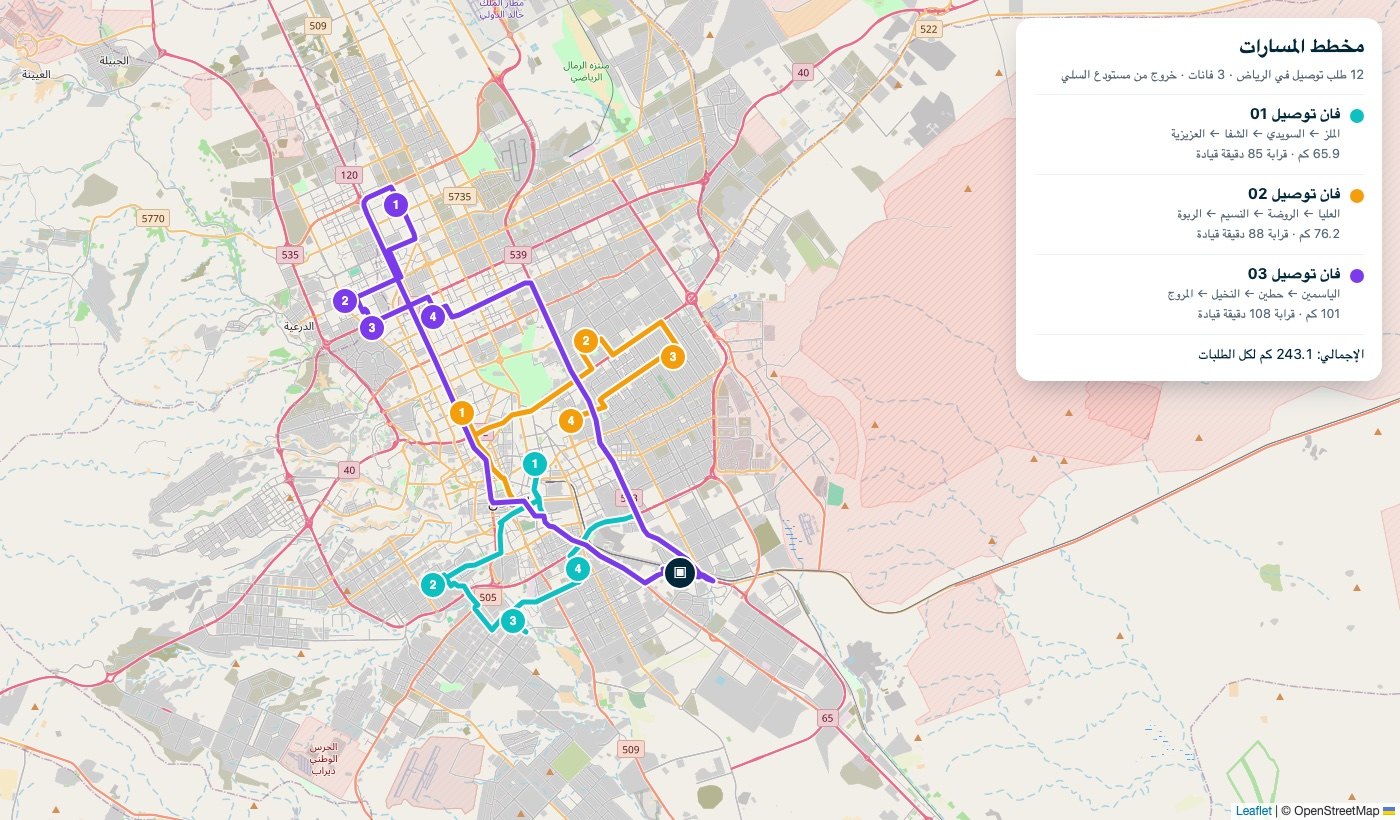
Journey management is a fleet safety practice that ties every trip to a request, an approval and an expected route, instead of tracking vehicles apart from the work plan. With FMS GPS, a supervisor approves each trip before departure, you follow it live with the alerts you set, and the trip closes with a report of the route, stops and violations, depending on the devices and settings enabled. It suits any fleet that needs a clear vehicle movement policy and safety steps for long and night trips.
What does the solution include?
Request and approval
Log each trip request with destination, vehicle, driver and time, approved by a supervisor before departure.
Expected route
Set the destination and expected route for each trip, based on platform capabilities.
Deviation alerts
An alert when a vehicle leaves the route or the geofence you set.
Speed and stop rules
Speeding and long-stop alerts during the trip, as configured.
Live monitoring
The vehicle’s location and status on the map throughout the trip.
Trip report and history
Distance, duration, stops and violations for each trip, kept on record for later review.
Problems it solves
Unapproved trips
Vehicles move without a prior request or a supervisor’s approval.
Route deviation
It is hard to tell when a driver leaves the agreed route.
Unexplained stops
Long stops go unnoticed while the trip is underway.
Weak night oversight
Long and night trips need closer safety oversight.
Scattered reports
Trip data is spread across several sources and hard to pull together.
Hard reviews
There is no clear record per trip when you review an incident or complaint.
How does it work?
Request the trip
The request is logged with destination, vehicle, driver and time.
Approve
A supervisor reviews the request and approves or rejects it.
Monitor
You follow the trip on the platform with route, speed and stop alerts as configured.
Close and report
The trip is closed and a report of route, time and events is saved.
Who is it for?
Transport and freight
Truck trips between cities, states and warehouses.
Long-distance trips
Highway trips and night trips.
Construction
Equipment and vehicles moving between job sites.
Distribution
Scheduled delivery runs to customers.
Field services
Technician and sales visits by appointment.
Public agencies
Official vehicle use kept in line with set procedures.
Frequently asked questions
Can a trip be blocked without approval?
The system records approvals and alerts you when a vehicle moves without an approved trip. It does not stop the vehicle unless a suitable immobilizer relay is installed and enabled.
Can I see if a driver leaves the route?
Yes, when a route or geofence is set and the alert is on. Alert timing depends on the device reporting interval and connectivity.
Does it work with my current trackers?
Usually yes, if the devices are compatible with the platform. We confirm once we know the installed models.
Can trip reports be exported?
Yes. Trip reports can be viewed and exported based on user permissions.
Is it suitable for small fleets?
Yes. You can start with a few vehicles and add more later.
Start organizing your fleet trips
Tell us how many vehicles you run and what your trips look like, and we will suggest the right setup for requests, approvals and monitoring.